Dan White wrote a wonderful Qt4 application for creating a personal D*I*Y planner. I like it a lot and it saves my job every single day since I use it. However, there is one flaw in his templates. The week numbers are missing in calendars. Luckily, he published his source code so I could make some fixes. And of course, I publish it to you for personal use as well.
The files you can download below are based on version 2.04. Following adjustments were made:
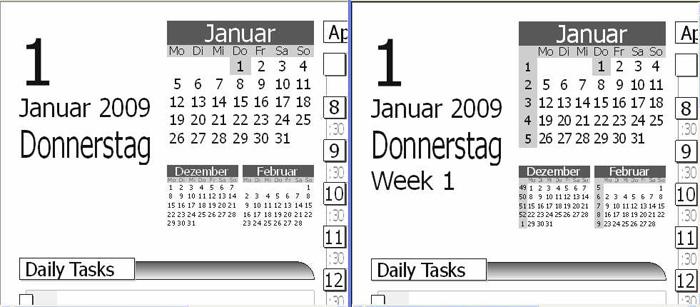
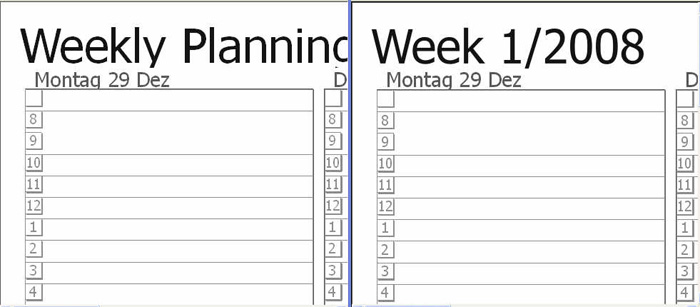
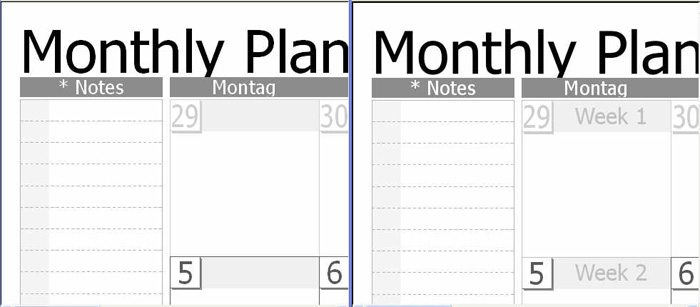
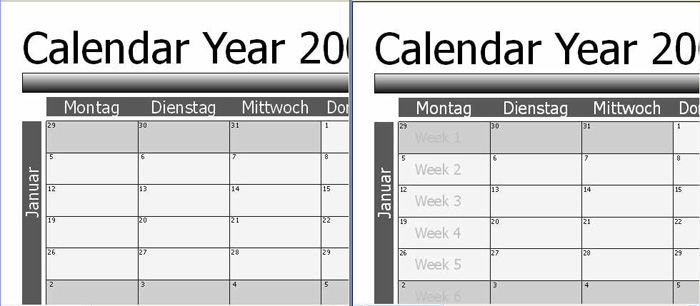
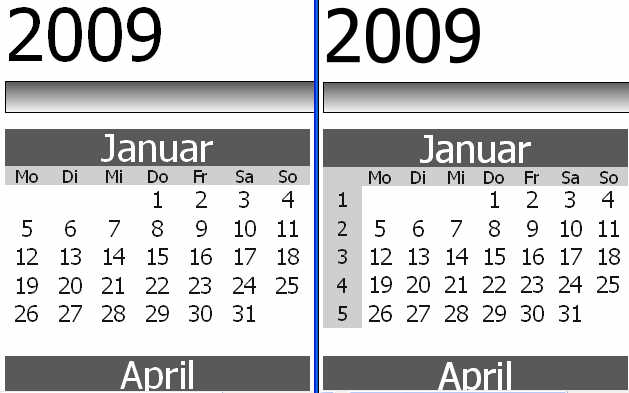
- Added week numbers to day, week, month and year templates
- Adjusted default page setting to European ISO style A4
- Adjusted default zoom to 9 (instead of 25)
Download
Windows Executable 2.04 plus Fixes
Screenshots
Please excuse the German wording. I hope this will vanish on English PCs 🙂
Old version at the left, new version at the right…
11 replies on “Personal Fix for DIY Dynamic Templates”
The Windows Executable 2.04 plus Fixes does not open. Then I try to open i get ( This application has failed to start because mingwm.dll was not found. Re-installing the application may fix this problem) I down loaded again but the same error comes up. It would be great to have the date on both pages.
Hi Tom,
I fixed the download. It should run now. However, the filesize is a bit more 😉
Ralph
Hi Ralph,
I’ve just installed the latest version of QT Creator (1.1.1) on my Windows XP PC. I’m really struggling to turn your source (or Ygor’s) into something I can compile and experiment with using QT Creator. Creator can’t find anything to work with. Can you give me an idiot’s guide to getting up and running, please? I’m well used to .net or Visual C++, but I’m finding it hard to get QT going.
Cheers,
Martin
Hi Martin,
I myself noticed that QtCreator does not really work properly. That’s why I made it on command line (Start “cmd”):
1. Go to DIY Source directory
2. execute “qmake -pro” (or “-project”)
3. execute “qmake -makefile”
4. execute “mingw32-make.exe -f Makefile.Release”
This should help on XP…
Hi again Ralph. When I run the compiled program I get the message “This application has failed to start because mingwm.dll was not found. Re-installing the application may fix this problem.” Do I have to manually install the dlls?
Cheers,
Martin
Hi Martin,
you have two options:
1) Prepare thhe Qt for static linking. This is a quite complicated process and I don’t recommend it unless you wanna share your executable with someone.
2) make sure mingw32.dll (or whatever DLL Windows complains about) can be found via your PATH environment variable (e.g. copy it to C:\WINDOWS\system32).
For option 2 you would have to deliver mingw32.dll to other users along with your EXE – which is not a big deal as the license does allow it.
Regards
Ralph
[…] I finalized my DIY-Planner for 2010. You can download the new calendar here (created with my personal fix for DIY Dynamic Templates). […]
Hi Ralf ,
I just printed 2010 calender . Thanks for great help. I try DYI planner website , but they have a bug there in their ZIP.
Regards
Hey thanks buddy , i just downloaded 2010 calender . regards
Ralph
Do you still have your windows zip version – I can’t seem to download it!
Vielen Dank
G in Sydney
Hi Gillian,
I was unable at this weekend to re-compile for a current windows version. But I found the old one from 2009 and corrected links above in this post. Just download the ZIP file from http://download.ralph-schuster.eu/diy/DynamicTemplates-rs.zip